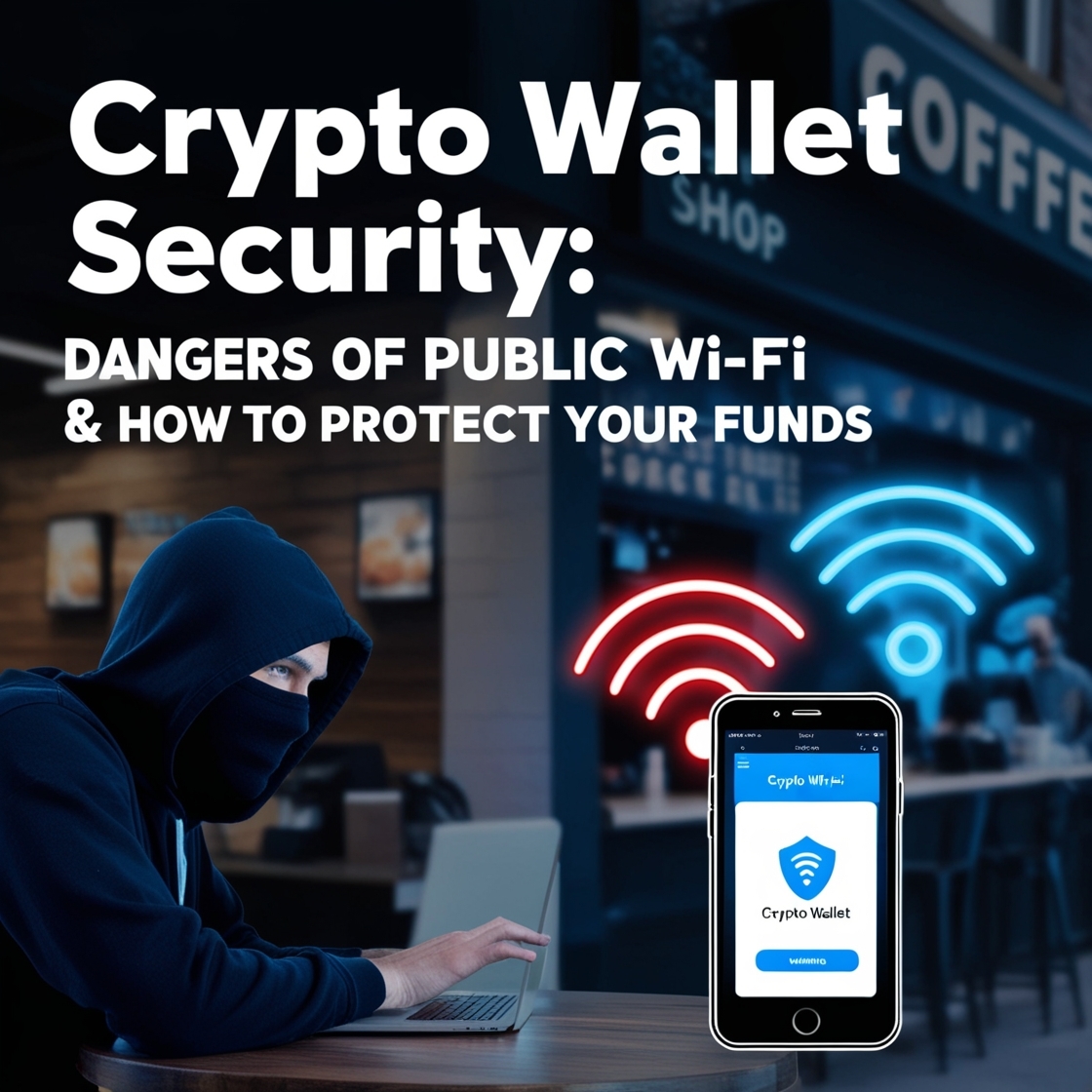
Introduction: The Hidden Dangers of Public Wi-Fi
Public Wi-Fi is everywhere—airports, cafes, hotels, and even shopping malls. While it offers convenience, it also opens the door to hackers who prey on unsuspecting users. If you use public Wi-Fi for crypto transactions, you could be exposing your funds to cybercriminals. In this guide, we’ll uncover how hackers exploit public Wi-Fi and, more importantly, how you can protect your crypto funds.
How Hackers Exploit Public Wi-Fi to Steal Crypto

Hackers use various techniques to infiltrate public networks and steal sensitive information, including crypto wallet credentials. Here are the most common methods:
1. Man-in-the-Middle (MITM) Attacks
Hackers intercept your data as it travels between your device and the internet. This allows them to steal login credentials, private keys, and even modify transactions.
Example: Imagine you’re passing a note to a friend in class, but someone in the middle grabs it, reads it, and changes the message before passing it along. That’s what hackers do with your internet data.
2. Fake Wi-Fi Networks (Evil Twin)
Cybercriminals create rogue Wi-Fi hotspots with familiar names like “Free_Cafe_WiFi” to trick users into connecting. Once you log in, they can monitor all your activity.
Example: You go to a playground and see two identical slides. One is real, and the other leads to a trap. Hackers create fake Wi-Fi names, and if you pick the wrong one, they steal your data.
3. Packet Sniffing
Hackers use special software to “listen” to unencrypted data traveling across public Wi-Fi. If you’re making crypto transactions without encryption, your information is vulnerable.
Example: Imagine whispering a secret in a room full of people. If it’s not in a secret code, anyone can hear it. That’s how hackers listen in on unprotected data.
4. Malware Injection
Some public Wi-Fi networks may already be compromised with malware that gets installed on your device the moment you connect.
Example: If you pick up a toy that’s covered in invisible glue, you take the sticky mess home with you. That’s how malware infects your device when you use a hacked Wi-Fi network.
Real-Life Cases of Crypto Theft via Public Wi-Fi
Case 1: In 2017, a British man lost $117,000 in Bitcoin after using public Wi-Fi in an airport lounge. A hacker intercepted his login details using a MITM attack.
Example: Imagine someone sneaking into your house, taking all your toys, and leaving before you notice. That’s what happened to this man’s crypto funds.
Case 2: A hacker set up a fake Wi-Fi hotspot outside a popular crypto conference. Several attendees unknowingly connected to it, exposing their private wallet information.
Example: You’re at an amusement park and find a booth giving away free candy, but instead of candy, they take your wallet. That’s what a fake Wi-Fi hotspot does to your data.
These real-life incidents prove that cybercriminals actively exploit public Wi-Fi to steal crypto.
How to Secure Your Crypto Transactions on Public Networks
To keep your funds safe, follow these security measures:

1. Use a VPN (Virtual Private Network)
A VPN encrypts your internet traffic, making it unreadable to hackers.
Example: Imagine writing a secret note in a code only you and your friend understand. A VPN scrambles your data so hackers can’t read it.
Best VPNs for Crypto Users: NordVPN, ExpressVPN, CyberGhost
2. Turn Off Auto-Connect to Wi-Fi
Ensure your device doesn’t automatically connect to open networks, which could be traps set by hackers.
Example: Imagine your toy car driving itself onto a bumpy road without asking you. That’s what happens when your phone auto-connects to dangerous Wi-Fi.
3. Enable Two-Factor Authentication (2FA)
Always activate 2FA for crypto wallets and exchanges. Even if hackers get your credentials, they won’t be able to access your account without the second authentication step.
Example: It’s like having two locks on your treasure chest. Even if a thief finds one key, they can’t open it without the second one.
4. Stick to Mobile Data for Crypto Transactions
Using your mobile network (4G/5G) instead of public Wi-Fi significantly reduces security risks.
Example: It’s like choosing a safe road to walk on instead of a dark alley where strangers lurk.
5. Use a Hardware Wallet
A hardware wallet like Ledger or Trezor stores your private keys offline, making them immune to online attacks.
Example: Imagine keeping your most valuable toy in a locked safe instead of leaving it outside where anyone can take it.
Best Hardware Wallets: Ledger Nano X, Trezor Model T
Best Practices for Safe Browsing on Public Wi-Fi
Even if you’re not making crypto transactions, follow these tips for safe browsing:
Avoid accessing financial accounts on public Wi-Fi
Use HTTPS websites (Look for the lock icon in the URL bar)
Forget networks after using them to prevent auto-reconnection
Use a privacy screen to prevent shoulder surfing attacks
Example: It’s like making sure your backpack is zipped before walking through a crowded place so no one can take your stuff.
Final Thoughts & Call to Action
Public Wi-Fi is a hacker’s playground, and using it for crypto transactions is a serious risk. By following the security practices outlined in this guide—like using a VPN, enabling 2FA, and avoiding open networks—you can protect your funds from cyber threats.
Want to learn more about crypto security? Subscribe to our newsletter for the latest security tips!